
AMS Connect for WordPress
Integrate WordPress & Re:Members with the AMS Connect plugin, and save your staff hours every week with built-in SSO, automatic updates, and a smarter connected website.
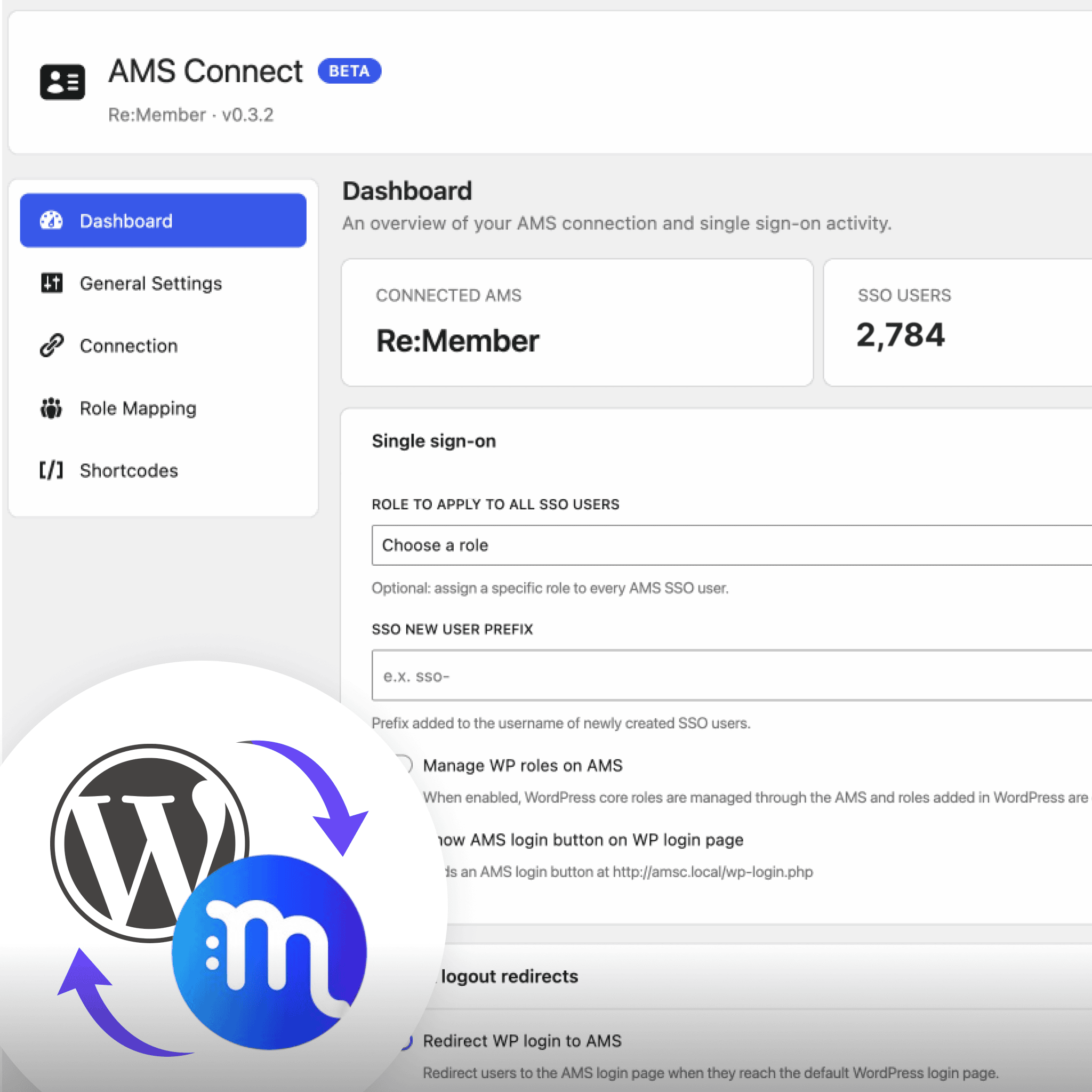
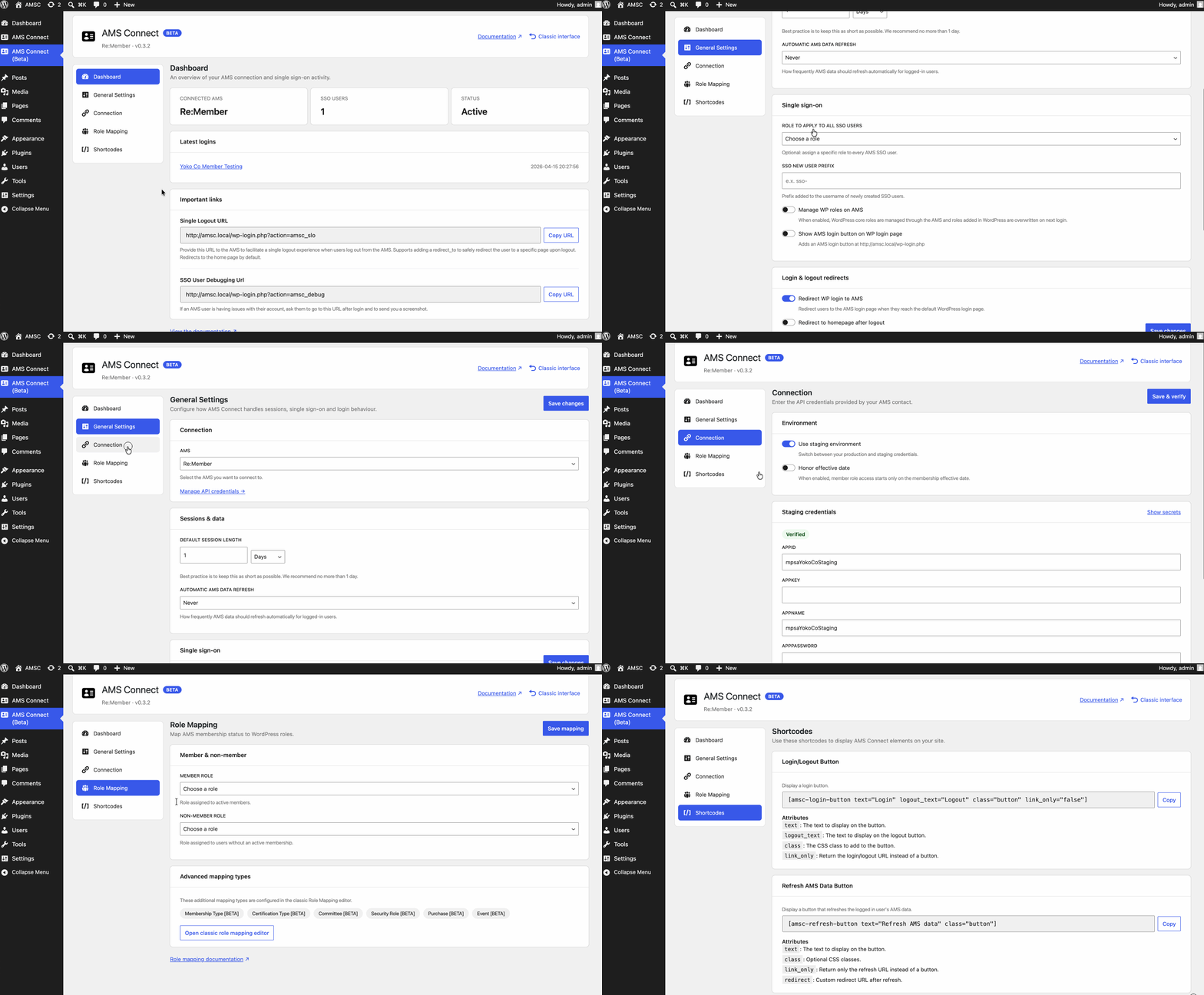
Easy SSO, Roles & Content Access
A smart-redirect SSO ensures users land exactly where they want, no extra steps.
- Automatic role assignment from re:Members membership and participation data.
- No disruptions. Staff and editors can keep their own login experience.
- Custom navigation and permissions can be easily enabled for member-only content.
Real-Time Sync Keeps Everything Current
Individual permissions update upon log in, ensuring accounts are always up to date.
- Pre-populate forms with merge tags - no making members re-enter existing data.
- Sync with custom fields for event registration, committee membership, purchases, etc.
- Automated and on-demand sync keeps WordPress aligned with AMS data.

Built to Grow With Your Organization
Your web team can connect membership data to any editable part of your site
- Membership-aware content and logic can be changed and updated as you need
- Built-in tools make it easy to provide support to members without disruption.
- Extends cleanly - no need to change plugins or custom code as your workflows grow.
Getting Started is Simple
1
Install & Activate
Purchase, install, and activate the plugin. No complex server setup or configuration required.
2
Connect to Re:Members
Enter your re:Members API credentials and you’re securely connected to your member data.
3
Set Up Member Access
Define what membership types and groups get access to which areas of your website.
Get started with AMS Connect for WordPress
Fill out the form or send an email to [email protected].
Get a quote or free consultation.
Share a few basics with us, and we'll follow up.